What happens if the parent accepts that they want to pay for the permission costs, but never pay? How can we get them to pay?
Thank you for that information Kara.
Here’s how you can give her the opportunity to pay:
Find the permission slip response in the list of responses.
Where it indicates that the payment has not been made for this permission slip response, click on the green icon to mark the permission slip as paid (but we won’t actually mark it as paid)
On the form that displays, showing the order with the permission cost items, in the shopping transaction status field, choose “Transaction is waiting for check or chase payment to be received
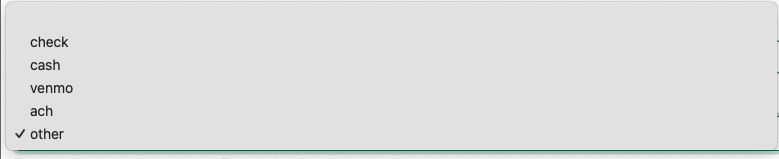
For the Payment method, select "other"
Click the button to “Update Payment Status”
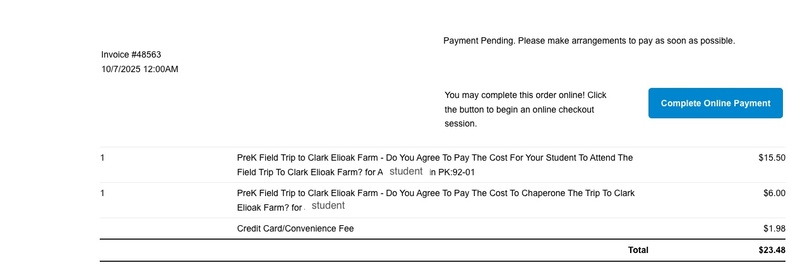
This will create an order (you will see the order number listed on the permission slip response row). At the same time, the parent will be sent an email with a copy of the order. That copy will have a button that they can click to complete payment, It will look something like the following:
You may want to follow up with the parent to let them know that they can complete the payment from the copy of the invoice that they were just sent.